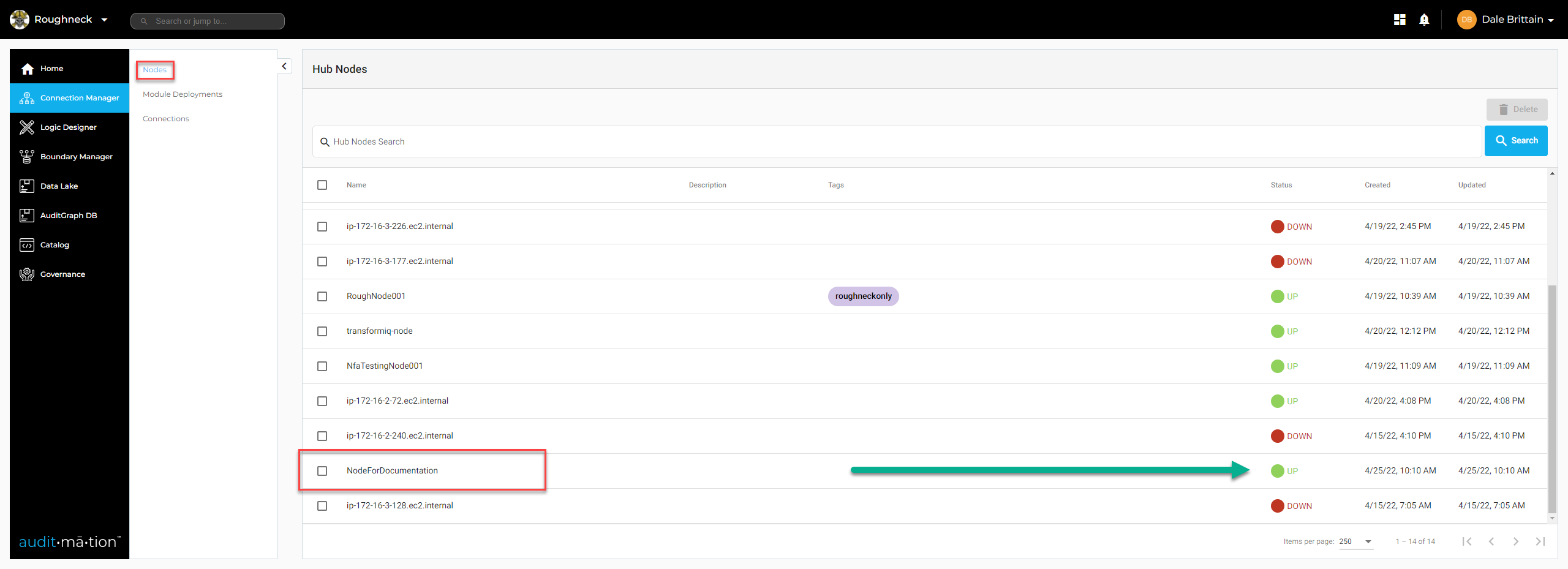
The Auditmation Platform (TAP) NODE creation
Overview
The Auditmation Platform (TAP) requires several Green Lights to function.
This walk through will show how to create a TAP NODE using the Amazon Cloudformation product
TAP NODE is the 1st Green Light required.
The screenshots in this walk through are examples of values for illustration purposes which will need to be replaced with the actual values from the AWS instance being used to create the NODE.
Prerequisites
Administrator Access to an AWS Instance
Administrator Access to the Auditmation Portal Organization
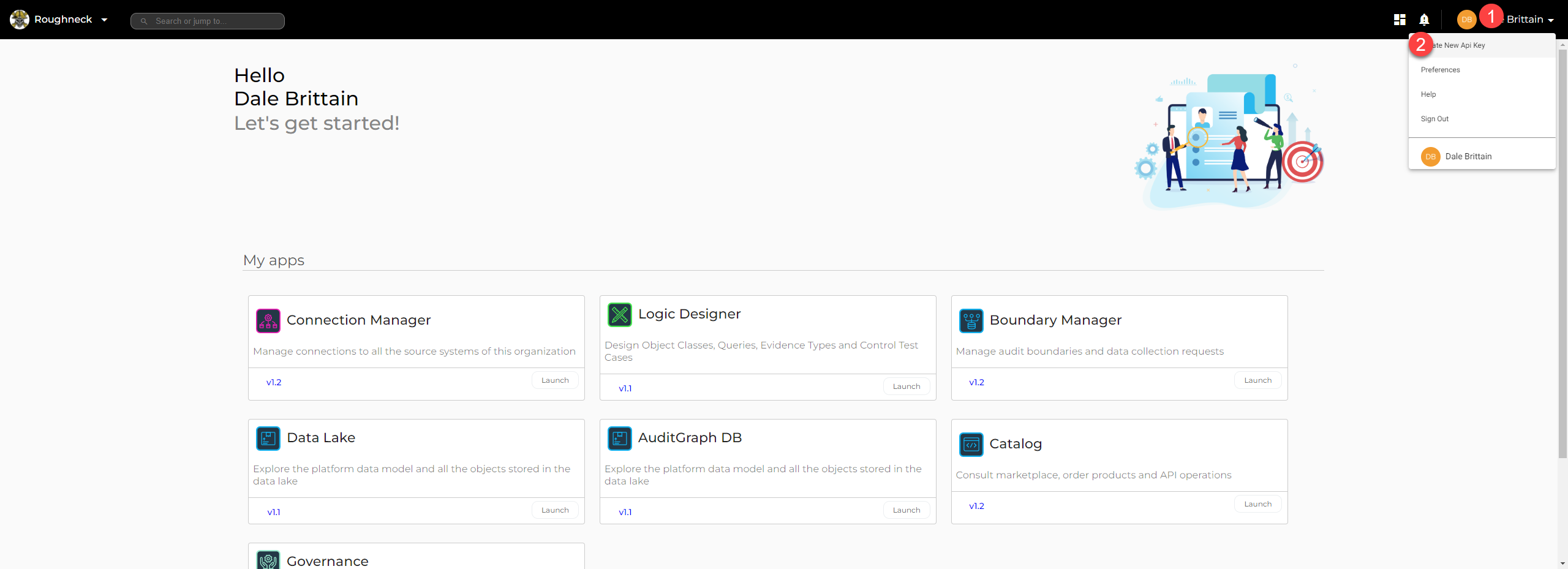
- Needed to access the Create New Api Key option on TAP
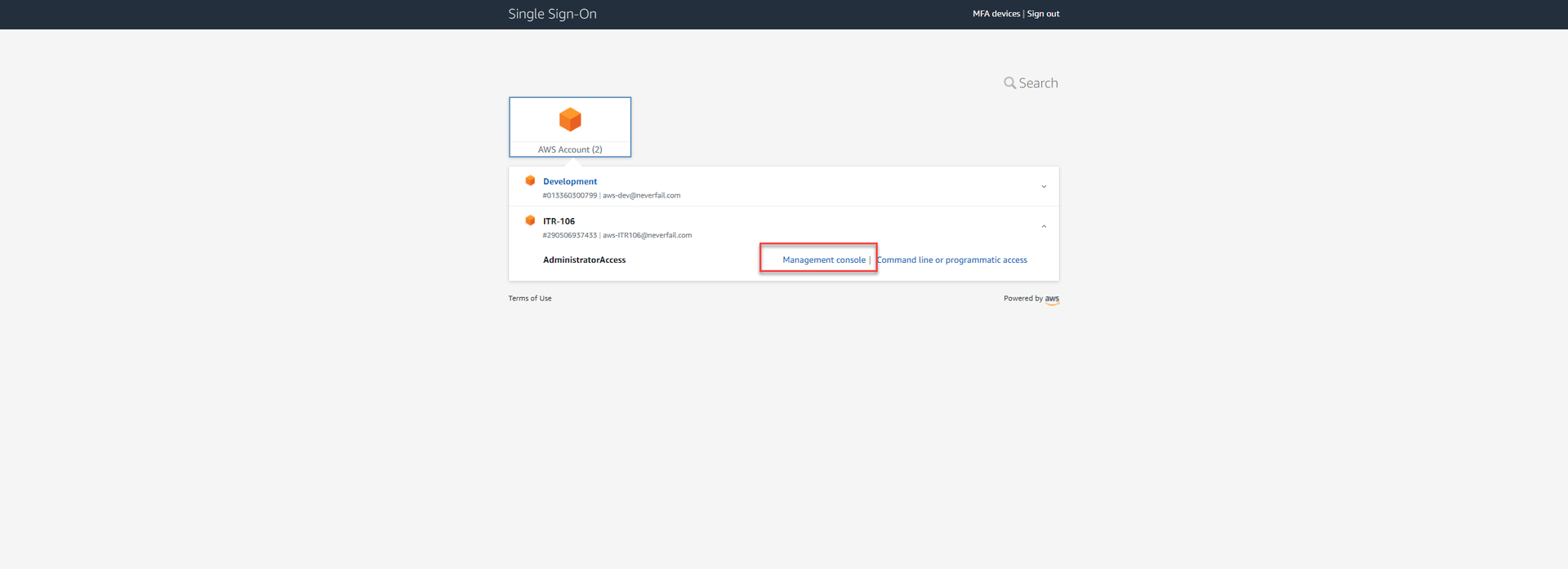
Node Setup on AWS using Cloudformation
Open AWS management console
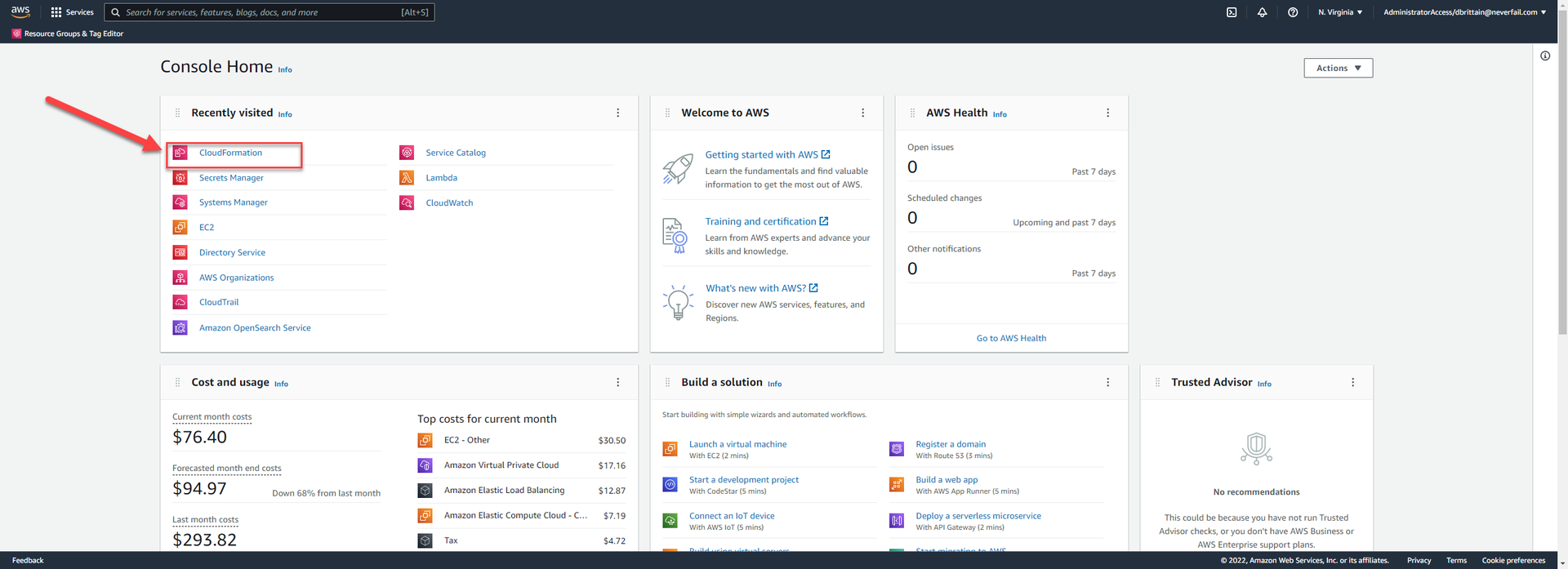
Open CloudFormation
Click Create Stack
NOTE: If there are exiting stacks, select “With new resources (standard)”

Create stack

Paste the link into the Amazon s3 URL field, leave everything else as default
Amazon S3 URL Node cloud formation templates in s3

Click Next
Specify stack details
NOTE:
The Stack Name value will become the TAP NODE Name show in the UI)


Parameters
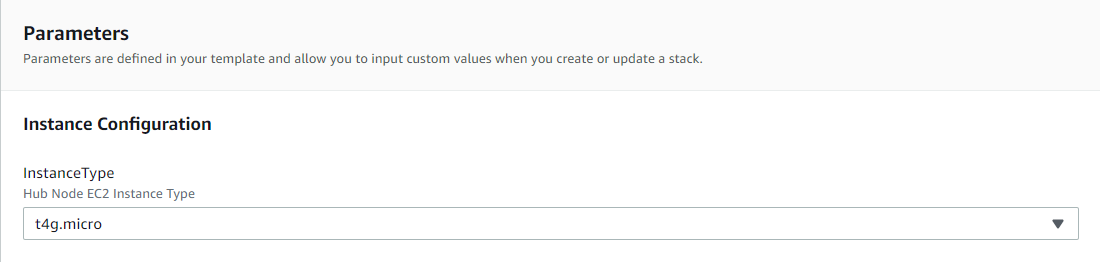
Instance Configuration > InstanceType (leave as default)
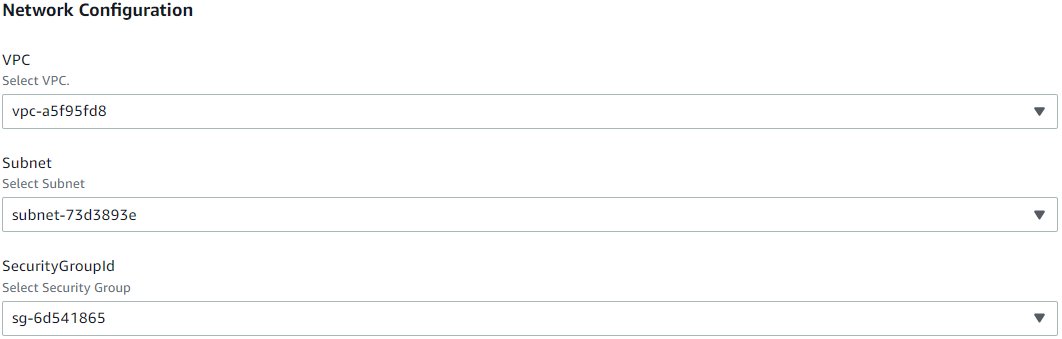
Network Configuration
This information needs to be provided by your internal IT department.
NOTE:
The information displayed in the following screenshot is for illustration purposes only.
Hub Configuration
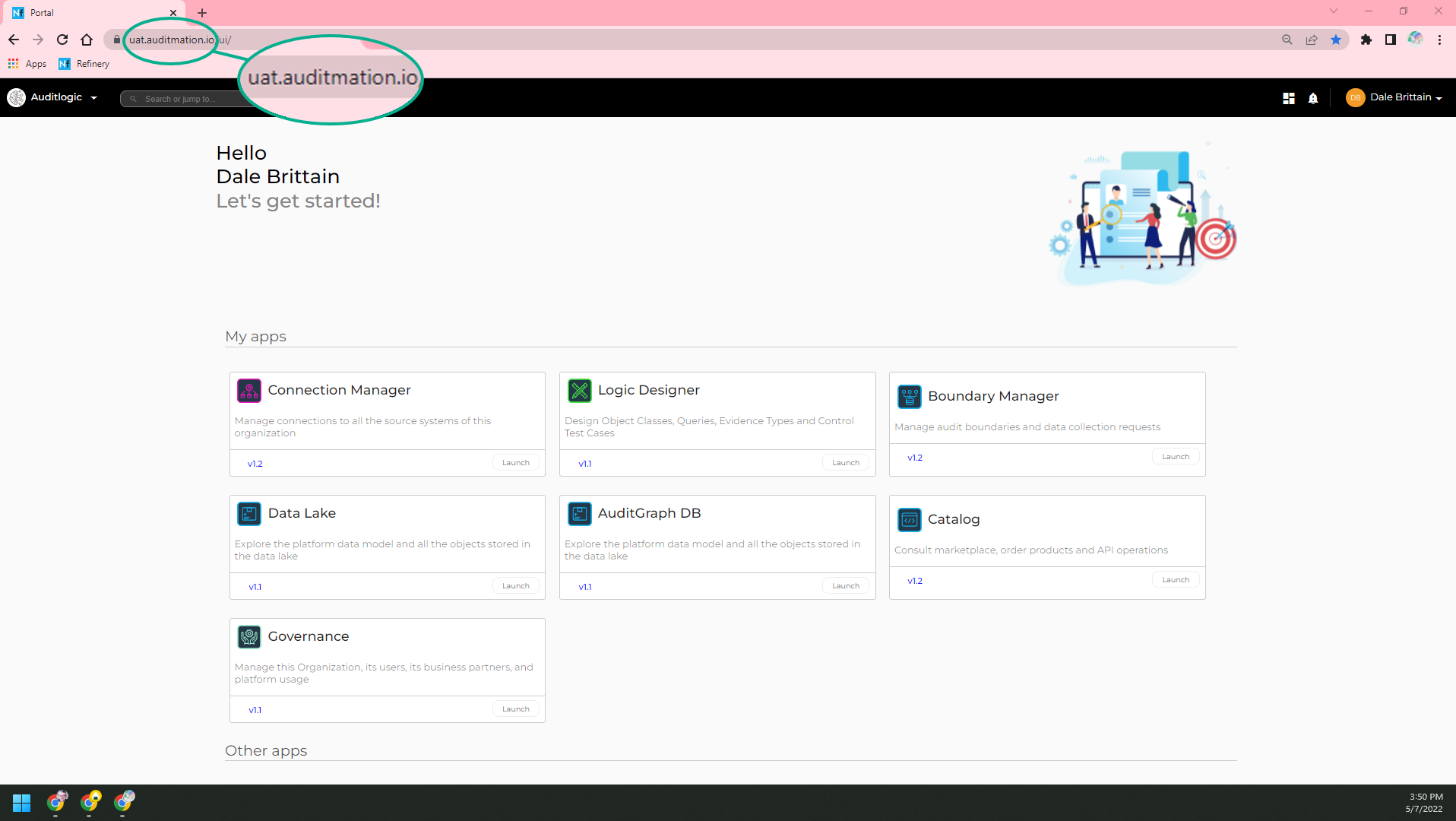
HubServerHostname value must equal TAP base URL for your organization.
The OrgId and ApiKey values are generated by using the “Create New Api Key” option under the TAP User menu.

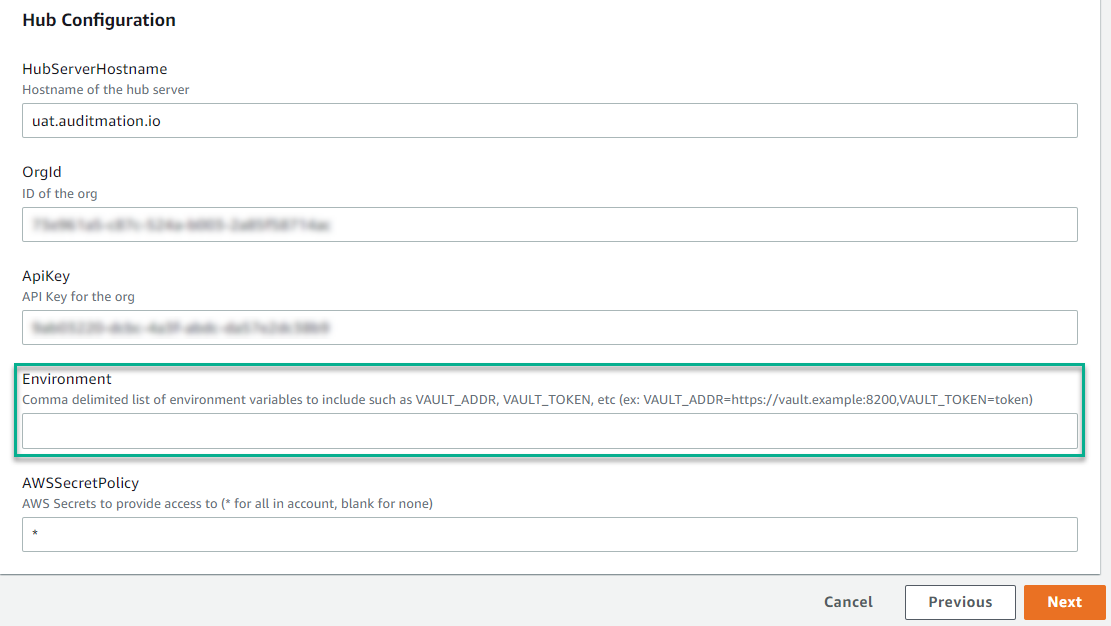
Environment (Optional)
This section can be used to provide a TAP NODE access to an external secret manager (e.g., HashiCorp Vault).
Configure stack options
Leave all as default
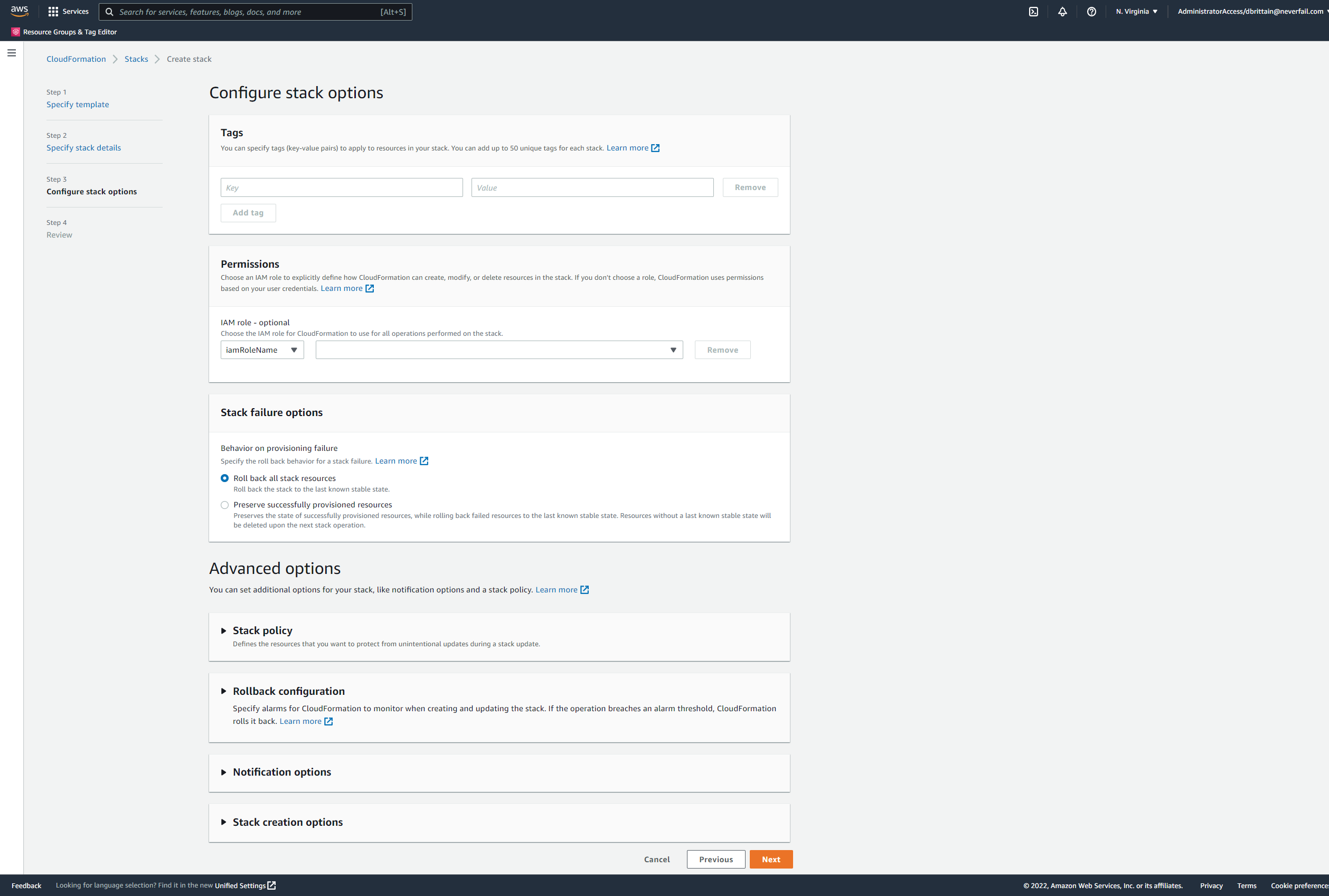
Click next
Review
Scroll to bottom to find Capabilities “I acknowledge…” check box
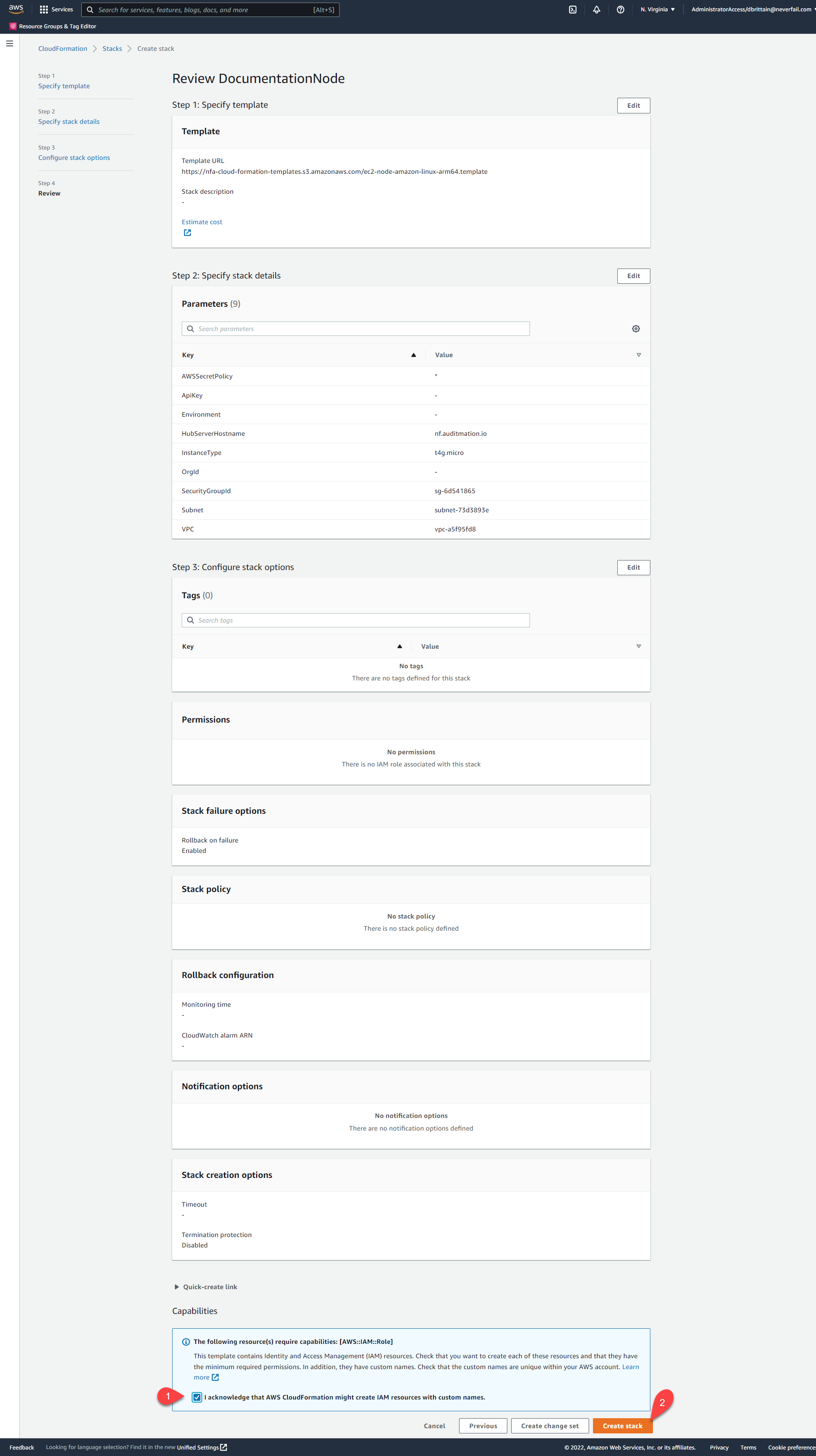
Check the “I acknowledge that AWS CloudFormation might create IAM resources with custom names” box.
Click the “Create stack” button to start the CREATE IN PROGRESS
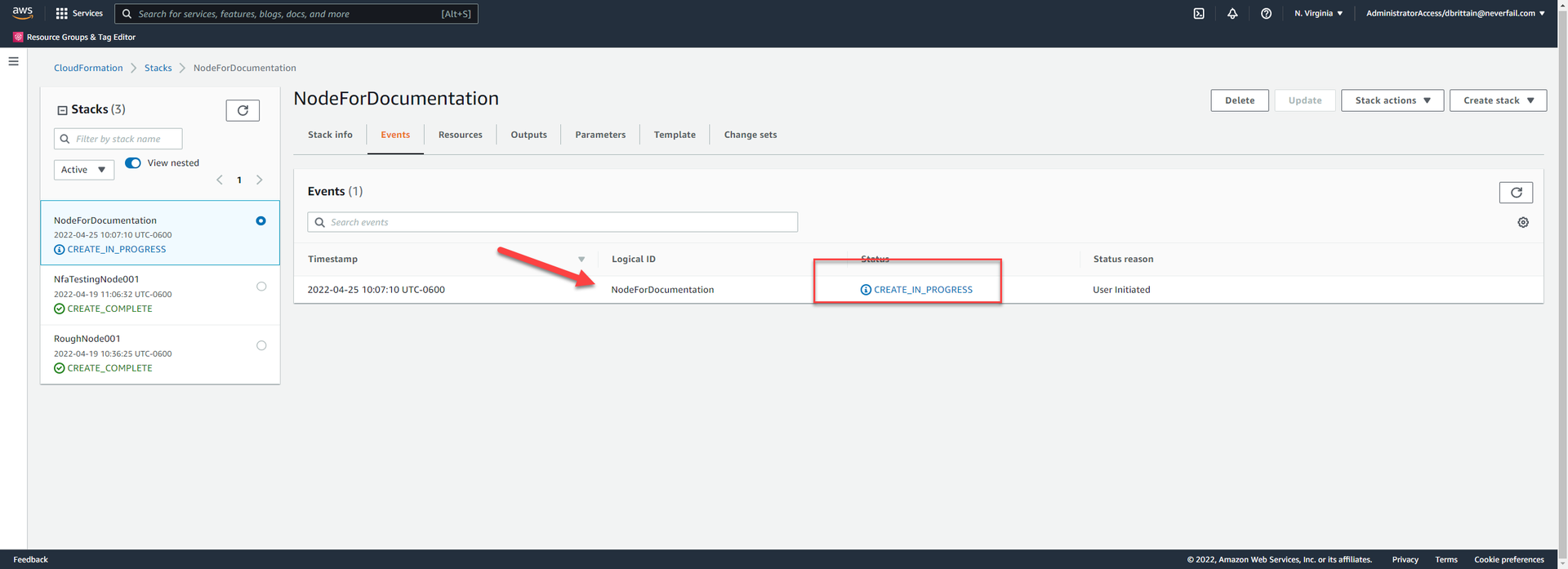
Once the “CREATE_COMPLETE” status is displayed
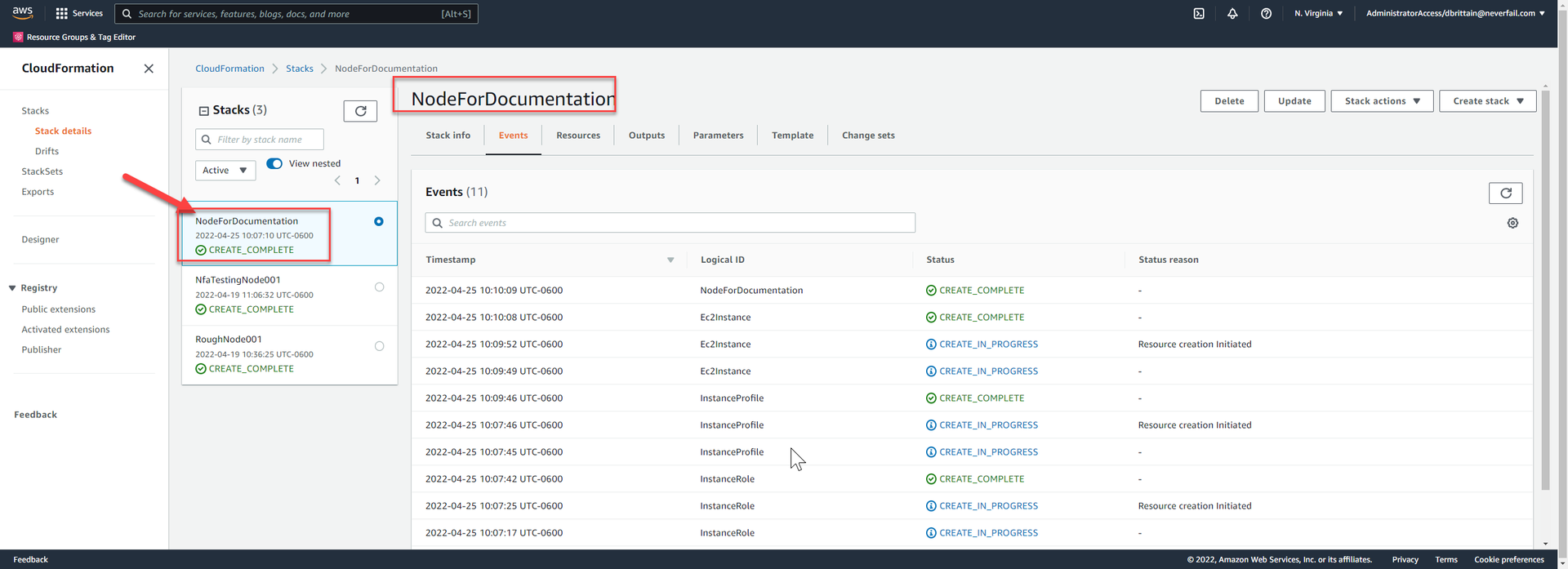
TAP NODE will show in the UI with an “UP” status