Feature Sections
Configure WIQ Team Approval Feature
Adding Team Approval Feature
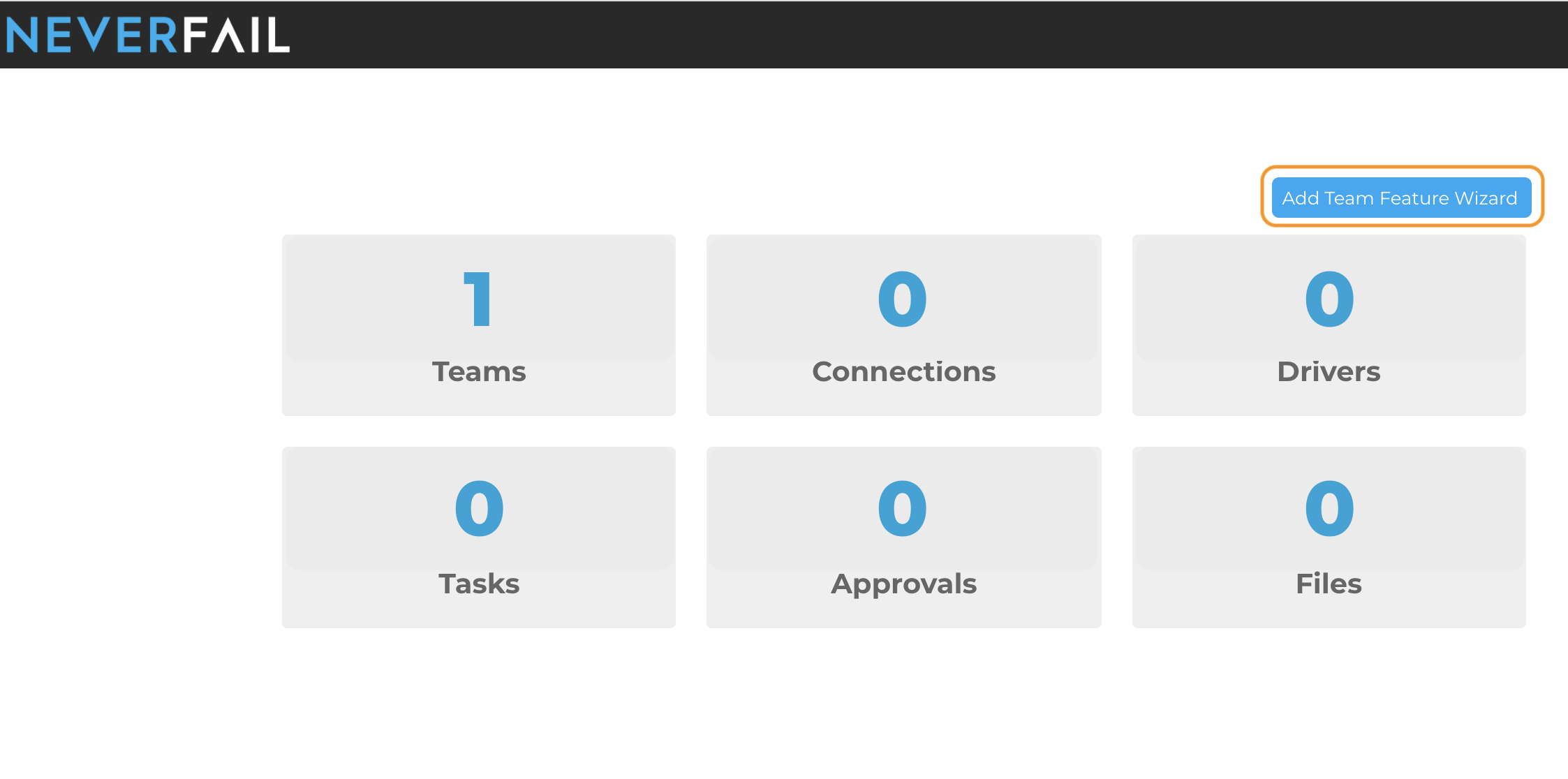
From the WorkflowIQ home dashboard page, click on the Add Team Feature Wizard to get started.
- WIQ link if needed: (https://prod.neverfail.com/)
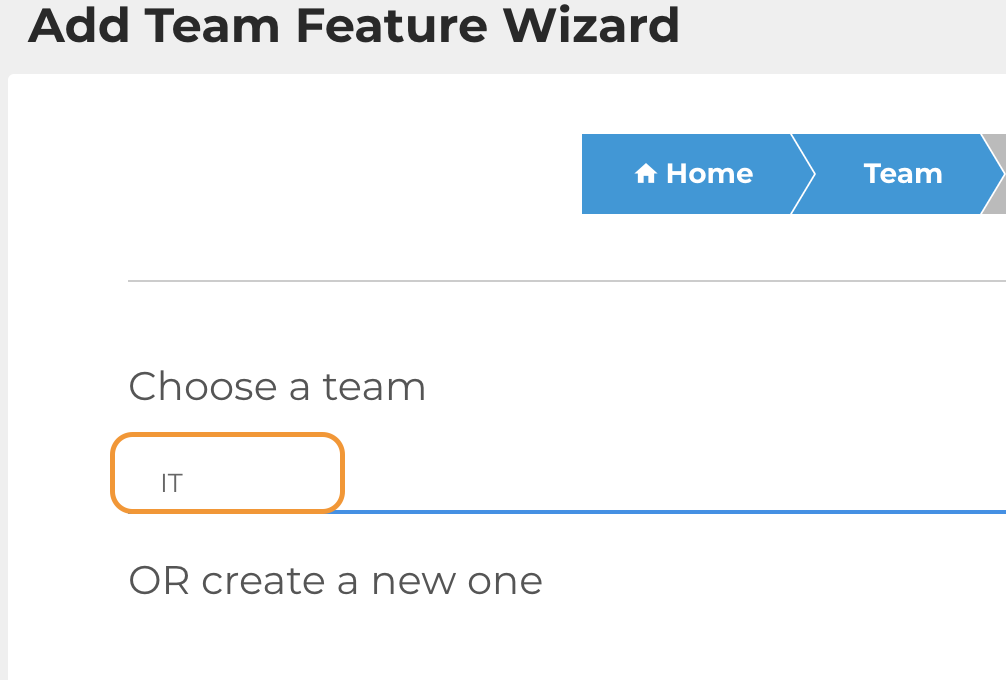
Select the default “IT" team from the drop down .
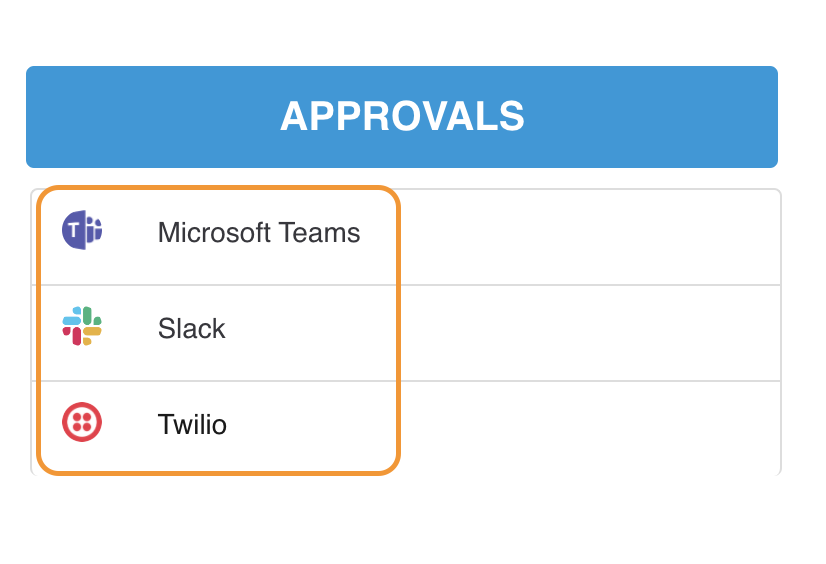
On the next Feature Type screen, under the APPROVALS column, select the supported task application you wish to configure.
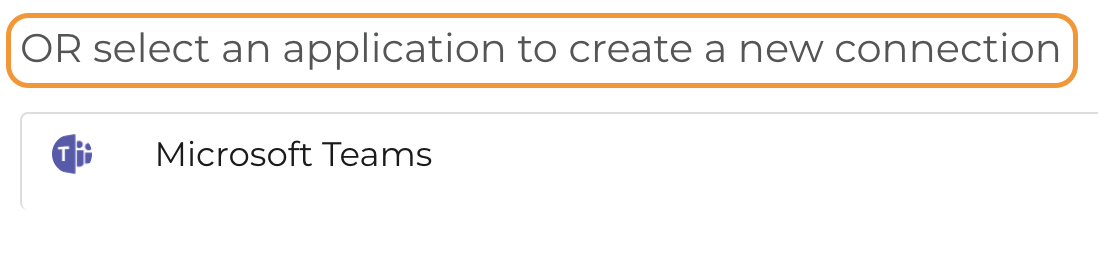
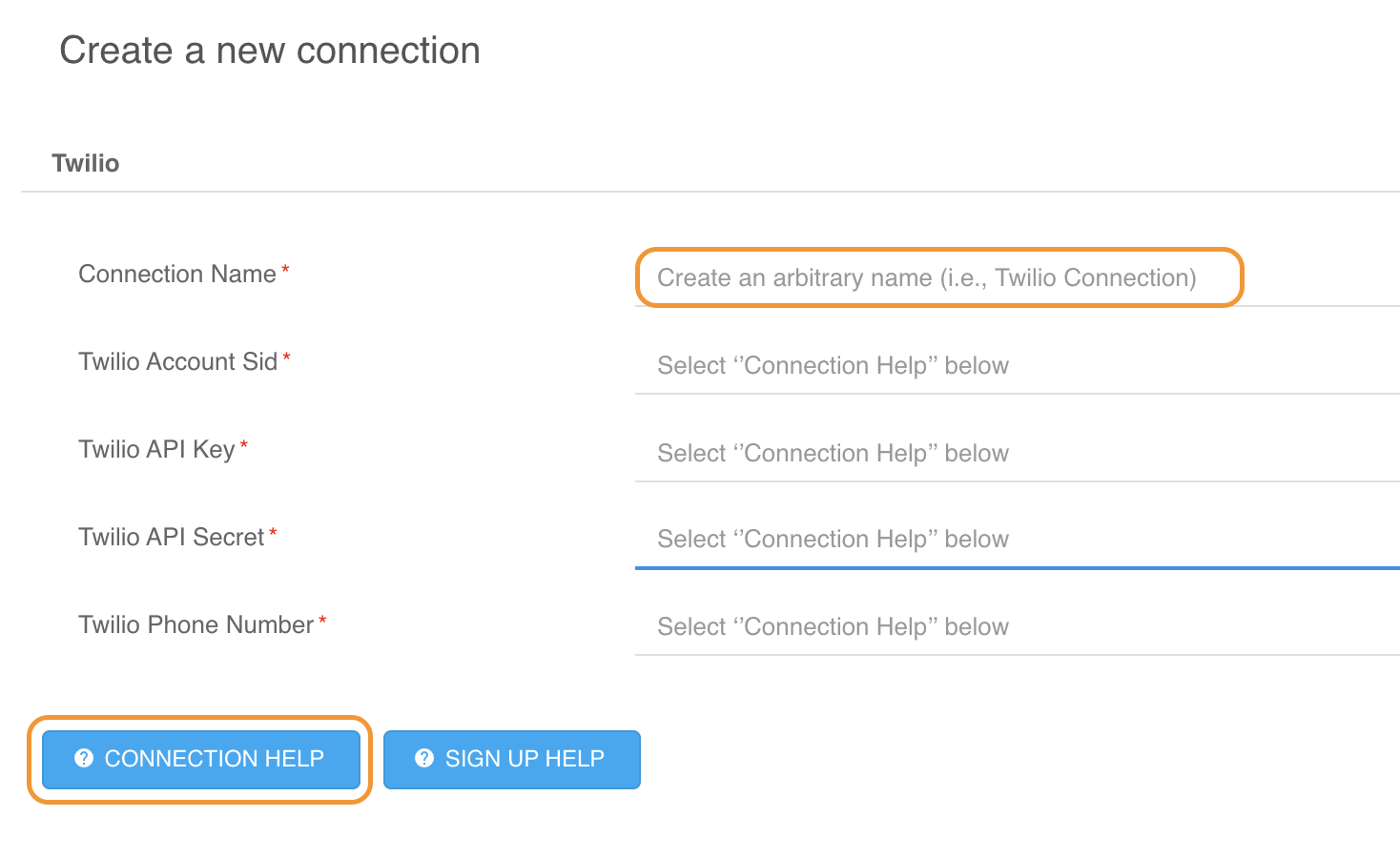
On the next Connection screen, choose from the lower/bottom drop-down option and “Select the driver to create a new connection”.
From this point forward, you will follow the onboard instructions in WIQ, provided in the following:
- Default input field descriptions
- “Connection Help” button
×
![]()