How to Sign Up for AWS
In the AWS free tier site, click Create a Free Account.
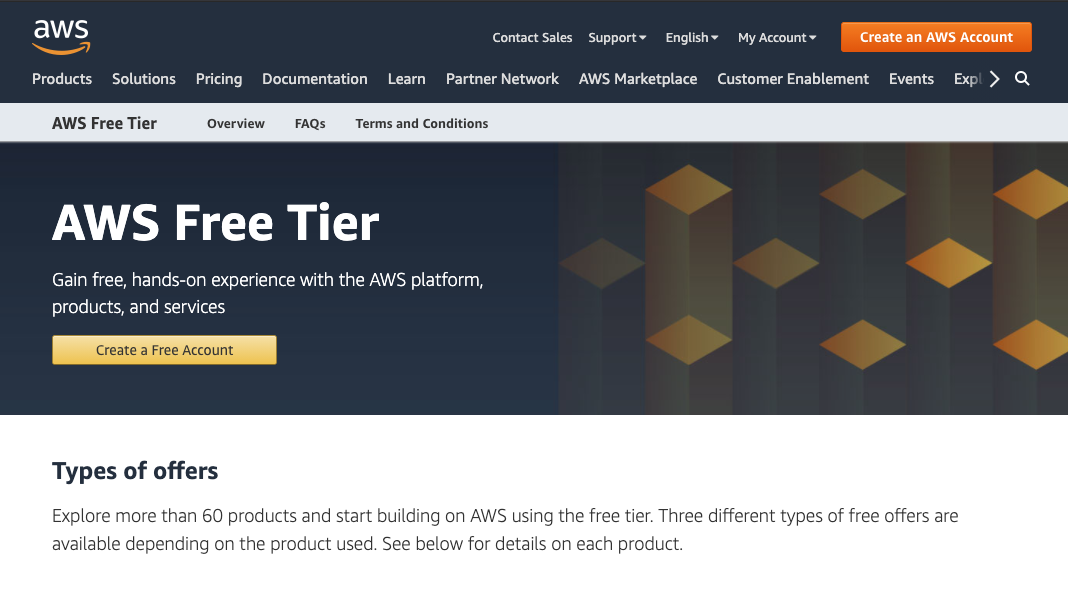
Create an AWS account by entering your account details. Click Continue.

Fill out your contact information and continue.

Add Payment information (this is for overage costs only) - Click Verify and Add.

Confirm your identity with the security check and click Send SMS.

Enter the code from the text message and click Verify Code.

Your identity is verified! Click Continue.

Select a Support Plan - click Free.

Personalize your experience - click Submit or Sign in to the Console.

Select Root user then click Next.

You are now in the AWS Management Console.

×
![]()