How to Sign Up for Azure
Visit https://azure.microsoft.com/en-us/free/ and click Start free, to begin Microsoft’s Azure sign-up process.

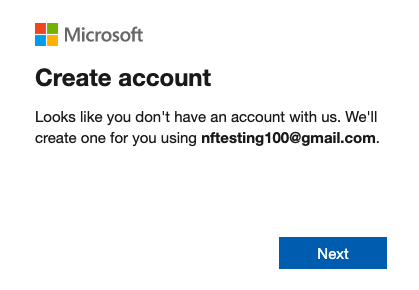
Input your email and click Next.

Click Next.
Create a password, then click Next.

Input your Country/region, and birthdate, then click Next.

Input the verification code sent to your email address, and click Next.

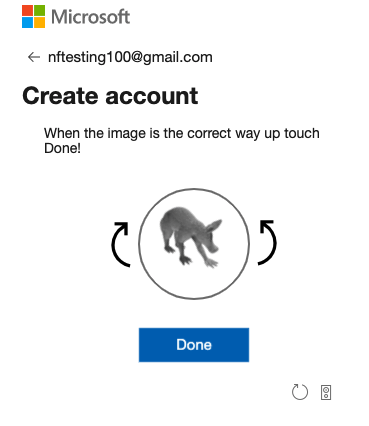
Solve a puzzle.
Enter First Name, Last Name, email address, and phone number for the new account.

Perform Identity verification by card, since you will need a credit card on file regardless. Input your credit card and address information, then click Next.

Click the top agreement check box, then click Sign up.

Click Go to the portal.

Click Home on the upper-left.

Under the Navigate section, Click Subscriptions.

Be sure that you have a subscription ID, that your role is “Owner,” and that your Status is “Active.” You will not need to write your subscription ID down.

At this point, if you do not have a subscription ID, something may be wrong. Note that Microsoft has specific rules for what email addresses are allowed to sign up for Azure. During the sign up process you will have an option to create a new outlook.com email address for free. We recommend this option if you run into issues signing up with your planned email address.
You may experience other issues when you try to sign up for a new account in the Microsoft Azure portal or Azure account center. This short guide will walk you through the sign-up process and discuss some common issues at each step: Troubleshoot