How to Sign Up for Slack
Go to slack.com and Click the Try for Free button.

In the “Try Slack with your team for free” section, click Create a Slack Workspace.

Enter your email and click Continue.

Go to your email and find your code. Once you enter the code in slack, the screen immediately goes to next step.

Enter your company name (if you would like to change from default) - click Continue.

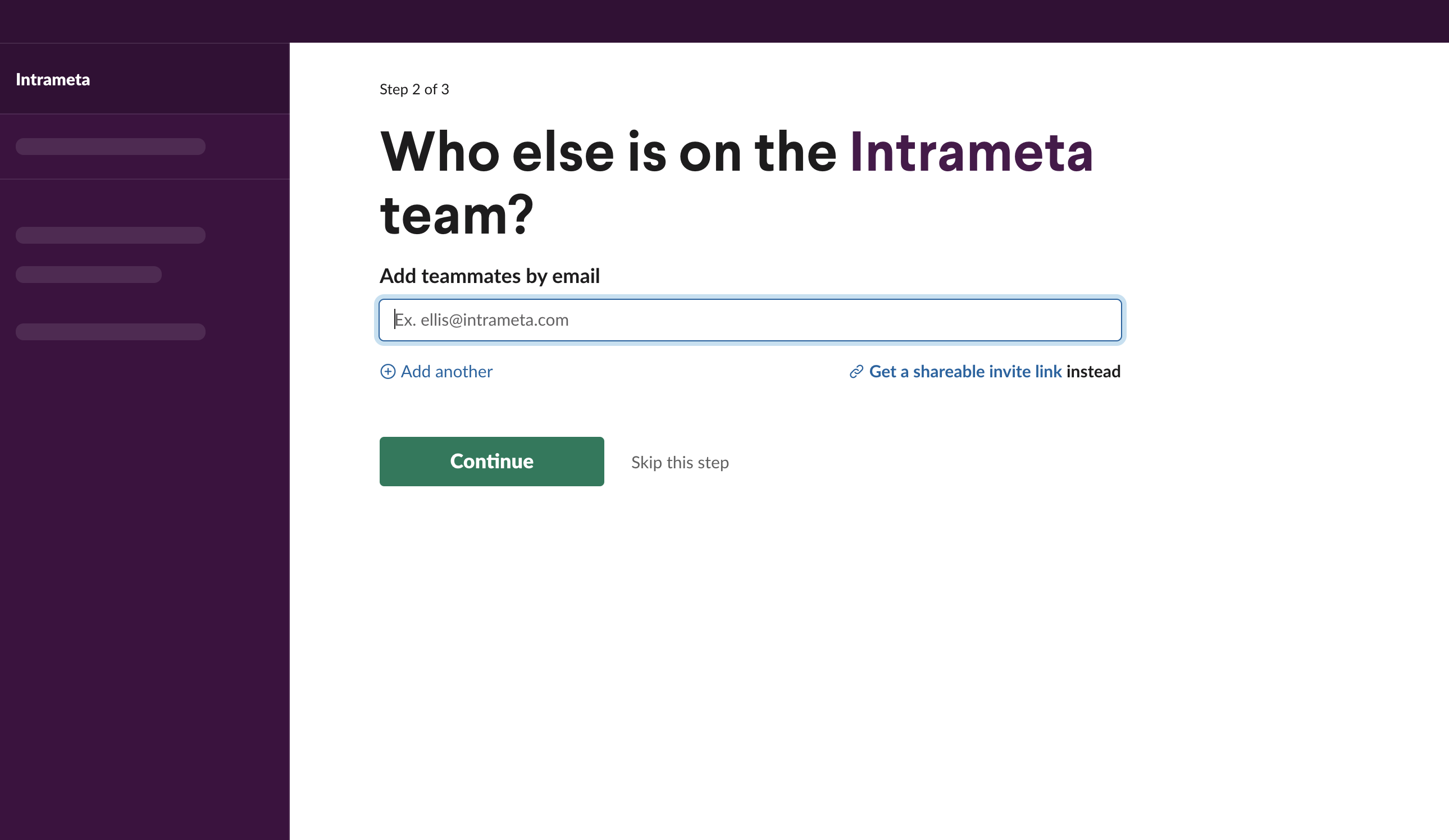
Add teammates by their email - click Continue or Skip this step.
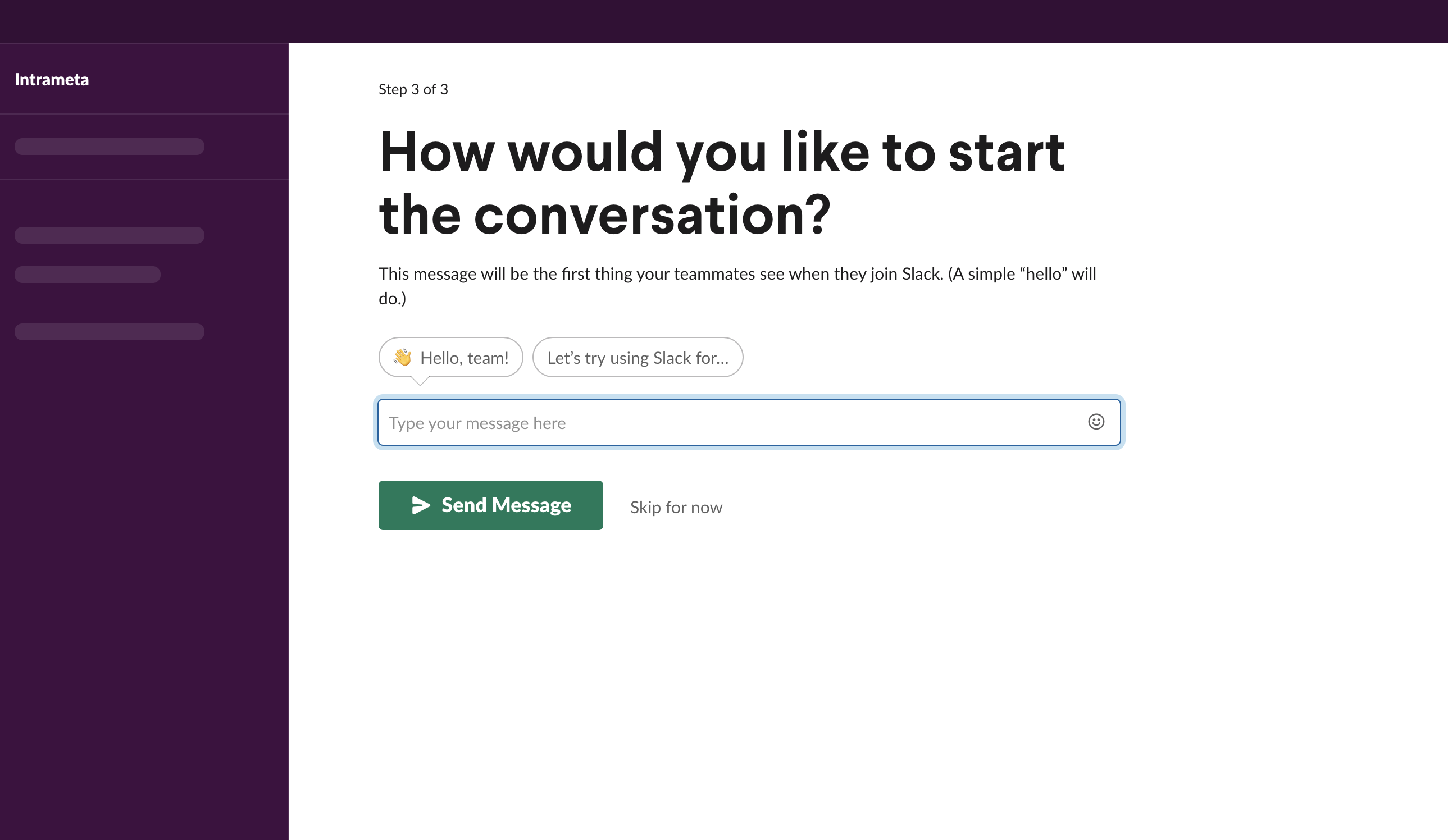
Add your first message - click Send Message or Skip for now.
You are now setup in Slack!

×
![]()